Open the Chrome Web Store
Use Get the Extension on this page or open our listing directly in a new tab.
LinkedIn profiles, company pages, and ordinary company websites—pull verified emails and phone numbers without leaving your tab. Connects to your A-Leads account for real-time enrichment.
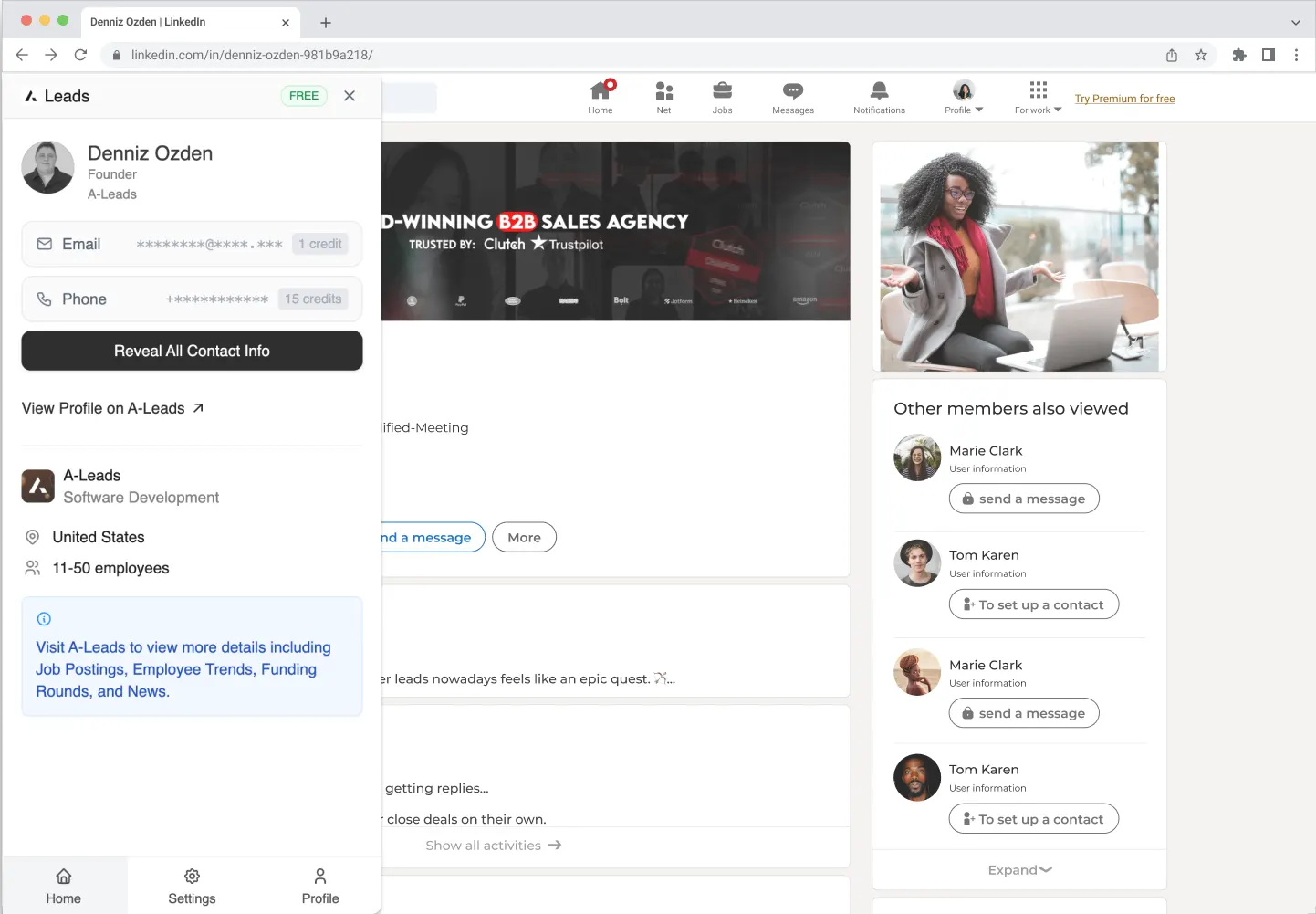
After install, the extension links to your A-Leads account—use it on LinkedIn and on company websites anywhere on the web.
Use Get the Extension on this page or open our listing directly in a new tab.
Click Add to Chrome and confirm the install when your browser prompts you.
Pin the A-Leads extension, then sign in with your A-Leads account so data syncs to your workspace.
On a person profile, company page, or company website, open the panel to see details and reveal email and phone in one click.
Chrome extension
Install once, prospect everywhere—profiles, employers, and company sites with verified contact data wired to your A-Leads workspace.
FAQ
3-day free trial
Explore every feature on a full trial—see how A-Leads fits your pipeline before you commit.

Fill out this form and a specialist from our sales team will reach out to you soon.
Everything with A-Leads has been seamless. Quickly understood our ICP and accurately cracked our hardest audience segment without heavy setup.

Chris Filly
VP of Marketing @ Callvu

Trusted by 15,000+ businesses